


Printer test pages that tell you what’s wrong
Print a free color, black & white, CMYK, alignment or nozzle test. Then scan the QR code on the page to read the result.
Free, no sign-up Letter and A4 True CMYK PDFs
 Free, no sign-up
Print it
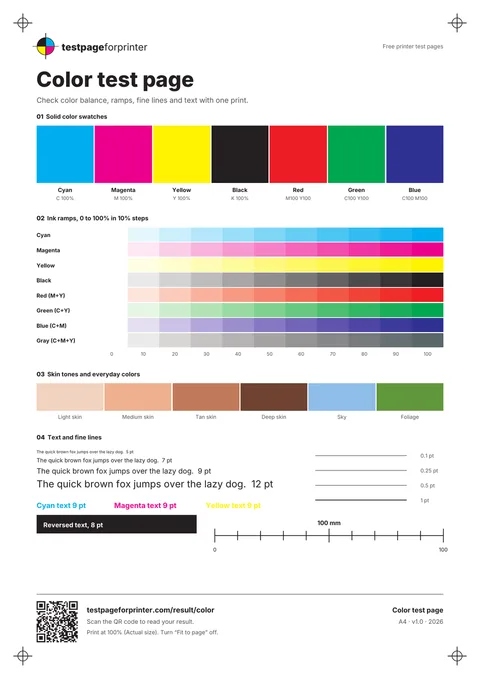
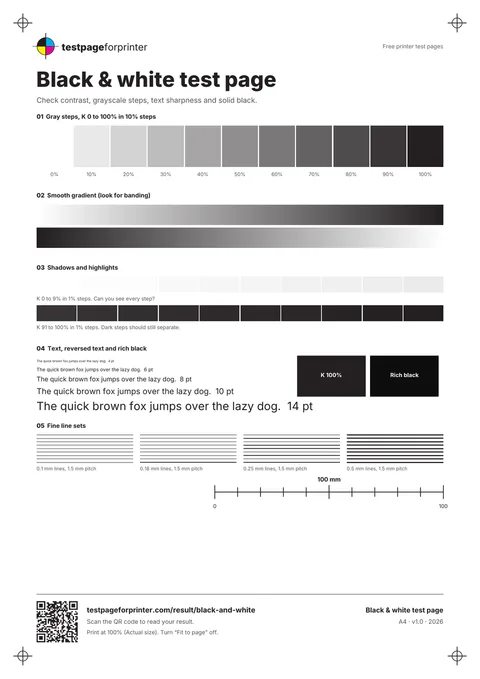
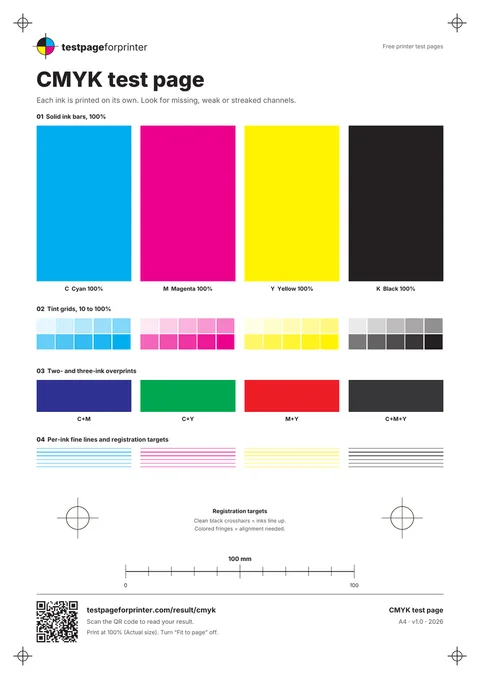
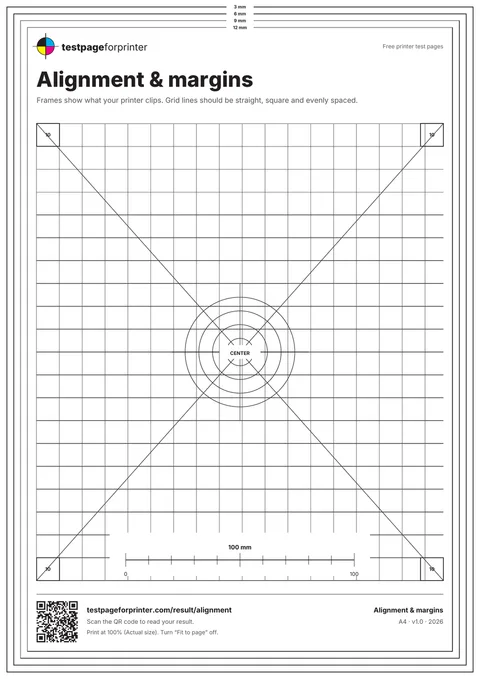
Color test page

 Download PDF
Print at 100% (Actual size) and switch off “Fit to page”.

Uses about 7% of a page of ink (estimate)
Then scan the QR code on your printout to read the result.
 Then scan the QR code on your printout to read the result.
Sheets v1.0, vector CMYK PDFs. How we test
How it works
- PrintPrint at 100% on plain paper
- Scan the QR codeEvery sheet carries one in the footer
- Read your resultMatch your print and get the likely cause and fixes
 Print
Print Read your result
Not sure which test you need?
Tell us what the print looks like.





Advanced tools


Print a test page from your device or printer
By device
By printer
Questions
How do I print a test page?
Should I use Letter or A4 paper?
Why are colors missing from my print?
Do I need to download anything?
How much ink does a test page use?
Is the test page free?
About printer test pages
A printer test page is a sheet you print on purpose to learn something about the printer: are all colors there, are the lines straight, does the page come out at the right size. The sheets here are real vector PDFs, and each one has a QR code in the footer that opens a page explaining what your result means.
Which test page should I print?
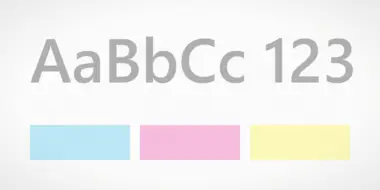
- Colors look off or one is missing: the color test page or the CMYK test page.
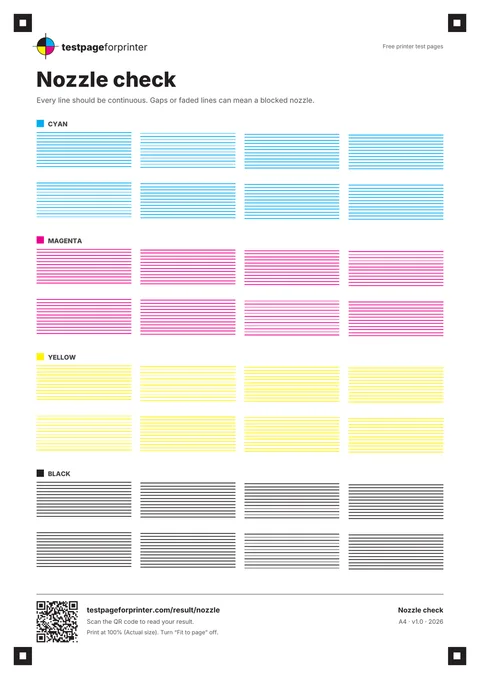
- Thin white lines across a print: the nozzle check shows which ink is affected.
- Text looks gray or weak: the black and white test page.
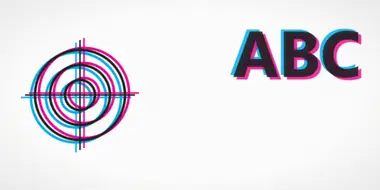
- Edges are cut off or the print is smaller than expected: the alignment test page and the scale check.
- Marks on a page that should be empty: the blank page test.
How to print one without any of this
Most systems have a built-in test page. On a PC it is in the printer’s properties; on a Mac it is in the printer menu; many printers also print one from their own panel. Our guides cover Windows, Mac, iPhone and iPad, Android and Chromebook. The built-in page only proves that the printer and driver talk to each other. It will not tell you much about print quality, which is why the sheets above exist.
After you print
Compare your sheet with the good and bad examples, or scan the QR code to open the result reader. If something is wrong, pick the symptom and follow the ordered fixes. Stop after two head cleanings: repeated cleaning wastes ink and rarely helps a worn part.
Written and maintained by the testpageforprinter team. Corrections: contact page.