


How does your print look?

Compare your solid black test page with the options below. Pick the closest match and we will show the likely cause and what to try first.

Choose the closest match to your print

Your printer passed this check.

Share this result

Likely cause: blocked nozzles on an inkjet, or a drum, toner or corona wire problem on a laser.

  1. 1.On an inkjet, print the nozzle check and look for gaps in the black band.
  2. 2.On a laser, follow the maker’s cleaning steps for streaks, and check whether the lines sit in the same place on each page.
  3. 3.Reprint this page and compare.
Fix streaks or lines

Share this result

Likely cause: low ink or toner, a draft or economy mode, or partly blocked black nozzles.

  1. 1.Check that draft, economy or toner-save mode is off.
  2. 2.Check the ink or toner level, and remember the level shown is an estimate.
  3. 3.On an inkjet, print the nozzle check. On a laser, follow the maker’s steps for faint print.
Fix faded print

Share this result

Likely cause: a low quality setting, a paper type setting that does not match the paper, or an inkjet head that needs cleaning or alignment.

  1. 1.Reprint at High or Best quality with the right paper type selected.
  2. 2.On an inkjet, run a nozzle check and then align the print head.
  3. 3.Try a fresh sheet of the same paper.
Fix banding

Share this result

Likely cause: ink that has not dried on paper that does not suit it, or toner that is not fully fused on a laser.

  1. 1.Let the sheet dry before you touch it, and use paper that suits the printer.
  2. 2.Match the paper type setting to the paper in the tray.
  3. 3.On a laser, follow the maker’s guidance for smearing toner.
Fix smudges

Share this result

Likely cause: an empty or badly seated cartridge, severely blocked nozzles, or a driver or paper feed problem.

  1. 1.Check the cartridges or toner are installed and not empty.
  2. 2.Remove any protective tape or film from new cartridges.
  3. 3.Print the printer’s own test page to separate a printer problem from a computer one.
Fix blank pages

Share this result

Pick the option that matches your print and the likely cause and next steps appear here.

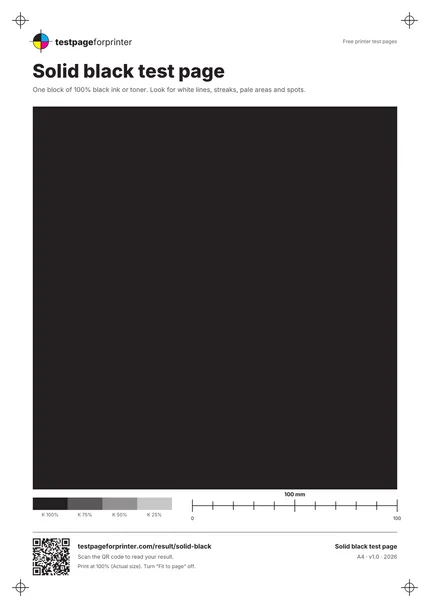
The Solid black test page
A4 / Letter
  1. 1.One large block of 100% black
  2. 2.Strip of black tint steps: 100, 75, 50 and 25%
  • Look at the page in good light, and tilt it to catch uneven shine or faint lines.
  • Print it on plain paper from a sealed pack for a fair test.
  • Print it only when you are diagnosing. A full black page uses much more ink or toner than a text page.

Still not right?

Back to the solid black test page · All test pages