


How does your print look?

Compare your printer ruler test page with the options below. Pick the closest match and we will show the likely cause and what to try first.

Choose the closest match to your print

Your printer passed this check.

Share this result

Likely cause: Fit to page, Shrink to fit or a wrong paper size is scaling the page.

  1. 1.Set scaling to Actual size or 100%.
  2. 2.Check the paper size in the driver and in the tray.
  3. 3.Reprint and measure again.
Fix prints too small

Share this result

Likely cause: scaling in one direction, or the paper feed is slipping.

  1. 1.Reload fresh, flat paper and straighten the guides.
  2. 2.Try another program or the PDF viewer to rule out software scaling.
  3. 3.If it persists, the feed rollers may be worn.
Grid test page

Share this result

Likely cause: the paper fed at an angle.

  1. 1.Remove the paper and reload it with the guides snug against both sides.
  2. 2.Do not overfill the tray.
  3. 3.Print again and measure again.
Fix misaligned print

Share this result

Pick the option that matches your print and the likely cause and next steps appear here.

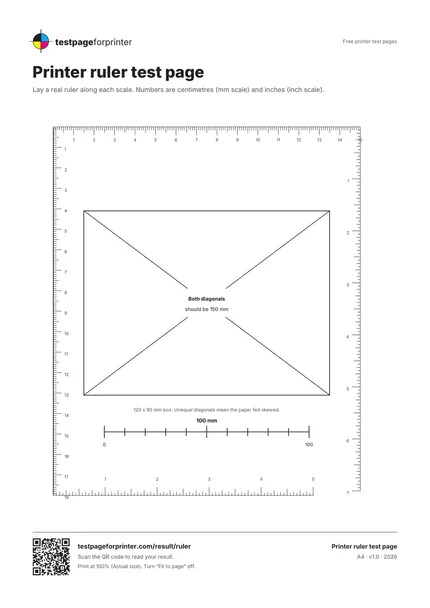
The Printer ruler test page
A4 / Letter
  1. 1.Millimeter ruler on the top and left edges
  2. 2.Inch ruler on the bottom and right edges
  3. 3.120 by 90 mm box with both diagonals
  • Measure with a metal or plastic ruler that has clear marks.
  • Measure from the 0 mark and look straight down at the page to avoid reading errors.
  • Print on flat paper from a fresh pack. Curled paper adds errors.

Still not right?

Back to the printer ruler test page · All test pages