


How does your print look?

Hold the sheet up to a light and compare the front and back marks. Pick what you see.
Choose the closest match to your print

Your printer passed this check.

Share this result

Can mean: the printer’s duplex alignment is slightly off, or a margin setting differs between sides. A small, consistent shift is common on many printers.

  1. 1.Check the print dialog for a duplex or binding margin setting and set it to none.
  2. 2.Run any duplex or paper alignment option the printer offers, if it has one.
  3. 3.Use a fresh, flat sheet and reprint.
Fix misaligned print

Share this result

Likely cause: the paper is feeding at a slight angle when it flips for the second side.

  1. 1.Reload the paper flat and slide the guides snug.
  2. 2.Try a different, flat paper ream, since curled paper skews easily.
Fix misaligned print

Share this result

Likely cause: the app is mirroring the page, or the setting is off. Mirror options are rare in normal print dialogs.

  1. 1.Check the print dialog for a Mirror or Flip horizontal option and turn it off.
  2. 2.Print the PDF directly from a PDF viewer.

Share this result

Likely cause: the flip setting is wrong for the page layout. Flip on long edge suits portrait pages that turn like a book page. Flip on short edge suits pages that turn like a notepad.

  1. 1.Open the two-sided options in the print dialog.
  2. 2.Choose Flip on long edge for this portrait sheet, then reprint.
  3. 3.If it is still upside down, try Flip on short edge. Names vary by printer.

Share this result

Can mean: two-sided printing is not turned on, or the printer does not support automatic duplex.

  1. 1.Turn on two-sided or duplex printing in the print dialog.
  2. 2.If your printer has no automatic duplex, use manual duplex and reload the pages as the prompts say.
Fix blank pages

Share this result

Pick the option that matches your print and the likely cause and next steps appear here.

The Duplex front/back test
A4 / Letter
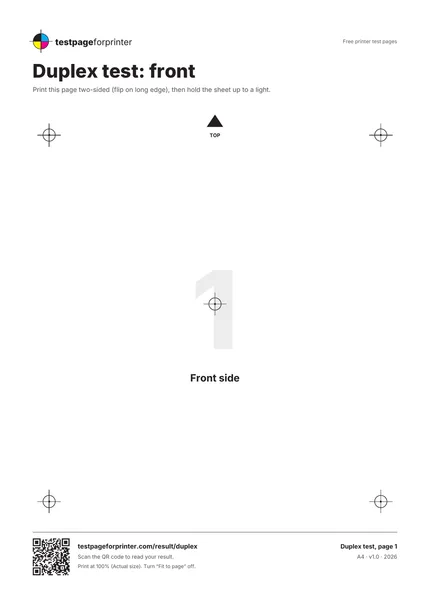
  1. 1.Registration marks printed in the same places on both sides
  2. 2.TOP arrow near the top edge of each page
  3. 3.Large 1 on the front and 2 on the back
  4. 4.Center mark and four corner marks
  • Hold the sheet up to a window or lamp so the back marks show through the paper.
  • A small, even shift is common and rarely matters for text. Compare the center mark first.
  • Use plain paper for this test, since thick or coated paper can feed differently.

Still not right?

Back to the duplex front/back test · All test pages