
58 mm receipt test
PDF: 58 × 190 mm. Content width: 44 mm. Ruler: 40 mm.
Open 58 mm PDF to printDownload 58 mm test PDF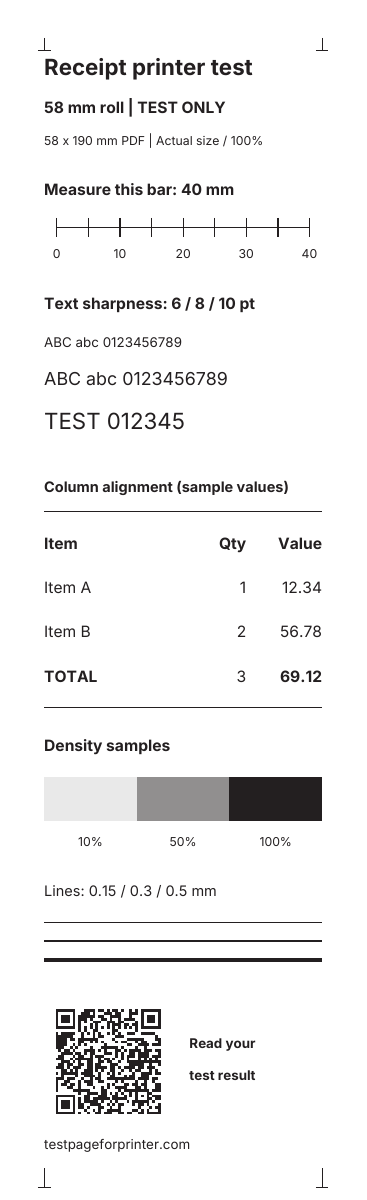
Preview of the top of the test. Open the PDF to see the full sheet.
Print a short test on receipt-roll media to check text, columns, scale and density through your PDF viewer and printer driver.
Choose the roll already loaded in your printer. These are fixed-width PDFs, not Letter/A4 sheets or direct USB/Bluetooth commands. A compatible driver or printing app is required.
PDF: 58 × 190 mm. Content width: 44 mm. Ruler: 40 mm.
Open 58 mm PDF to printDownload 58 mm test PDFPreview of the top of the test. Open the PDF to see the full sheet.
PDF: 80 × 190 mm. Content width: 64 mm. Ruler: 60 mm.
Open 80 mm PDF to printDownload 80 mm test PDF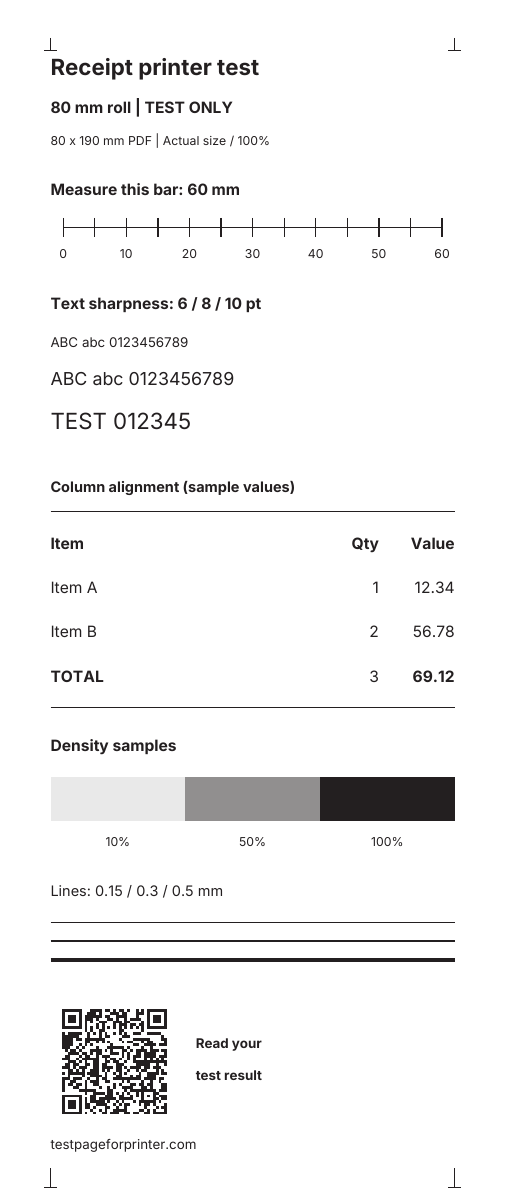
Preview of the top of the test. Open the PDF to see the full sheet.
PDF dimensions, embedded fonts, ruler lengths and result QR codes are digitally verified. Physical receipt-printer output has not yet been tested.
Read your test result| Result | Next check |
|---|---|
| Ruler is too short or long | Check media dimensions, Actual size and driver scaling. See print scaling fixes. |
| Right-hand values or edge marks are missing | Check printable width, margins and PDF positioning. The content is inset 7 mm on the 58 mm file and 8 mm on the 80 mm file, but these margins do not guarantee compatibility with every printer. |
| Text is faint or has repeated gaps | Confirm compatible paper is loaded in the orientation specified by the printer maker. Follow the model's guidance for density, speed and cleaning; compare with its built-in test. |
| Self-test works, but the PDF does not print | Check the selected printer, driver, connection and printing app. This page cannot discover or connect to a receipt printer by itself. |
| PDF works, but POS receipts are wrong | Check that POS app's roll width, columns, encoding and driver/command configuration. A PDF test does not validate native ESC/POS commands or the printer's resident fonts. |
A nominal 58 or 80 mm roll can have a narrower printable area. For example, Epson's TM-T20III documentation specifies 52.5 mm and 72 mm printing widths in its standard mode. Other models and modes differ. The test's 44 mm and 64 mm content widths leave extra space, rather than assuming borderless printing.
See the manufacturer's TM-T20III technical reference guide for that model's printable-area and self-test details. Use your own model's manual for button sequences and media changes.
The amounts are sample values, not a sales receipt. This checks rendered PDF text, not native printer character sets, transaction totals, payment devices or cash-drawer control. Gray patches may print as dots. Feed length and cutting depend on the driver and printer; the PDF does not send a cut command or measure print speed.
The QR code opens this result guide. A successful scan is not formal barcode quality verification. For shipping-label media use the 4×6 thermal label test; for office paper use the Letter and A4 test sheets.