

Printer test image
Free PNG test images at 300 dpi in Letter and A4: color, black and white, grayscale, alignment, grid, text, nozzle check and photo. No sign-up.
Download a printer test image
Pick the image that matches your problem, choose the size that matches the paper in your tray, and print it from any app that opens pictures. Each file is a lossless PNG, drawn from the same sheet as the matching PDF.


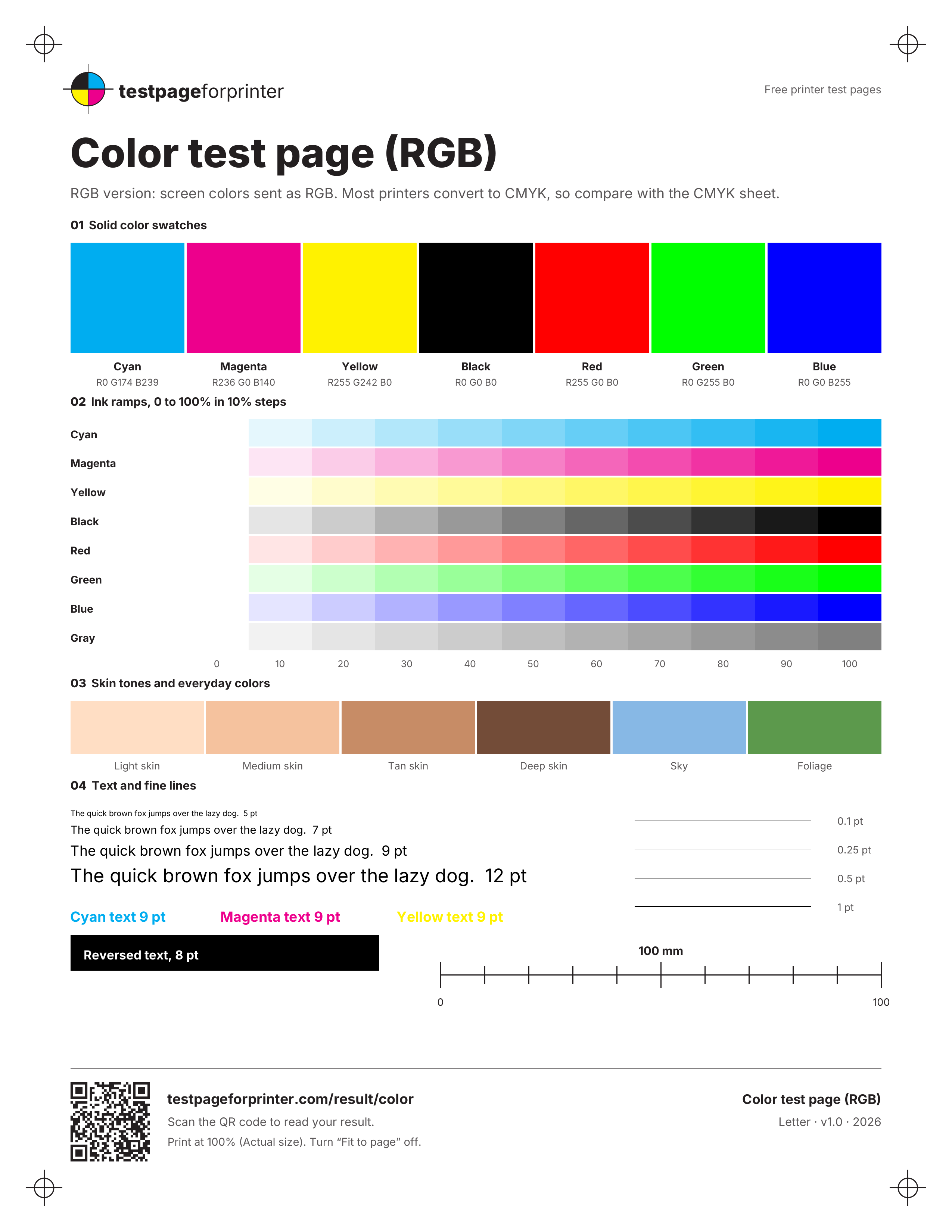
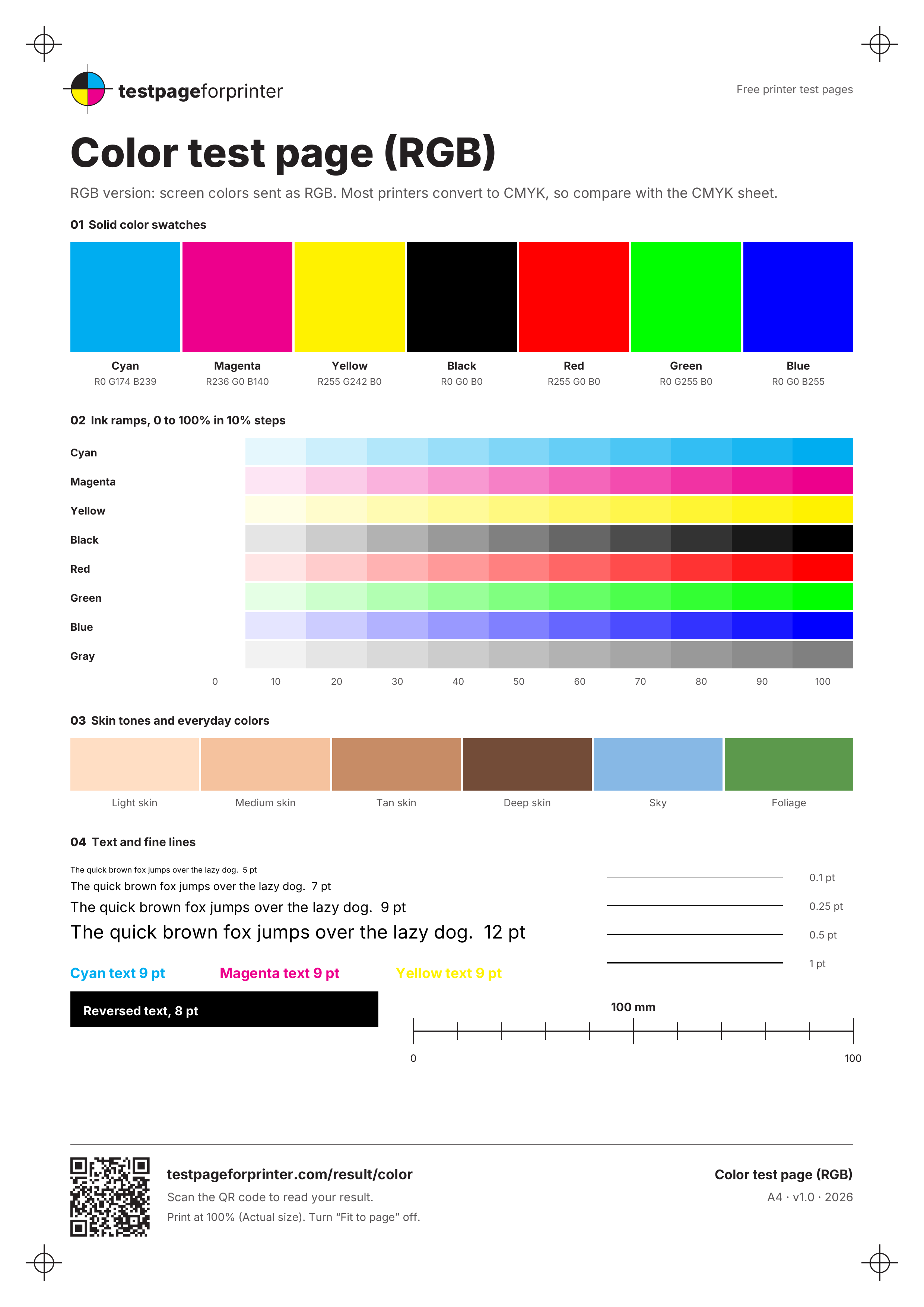
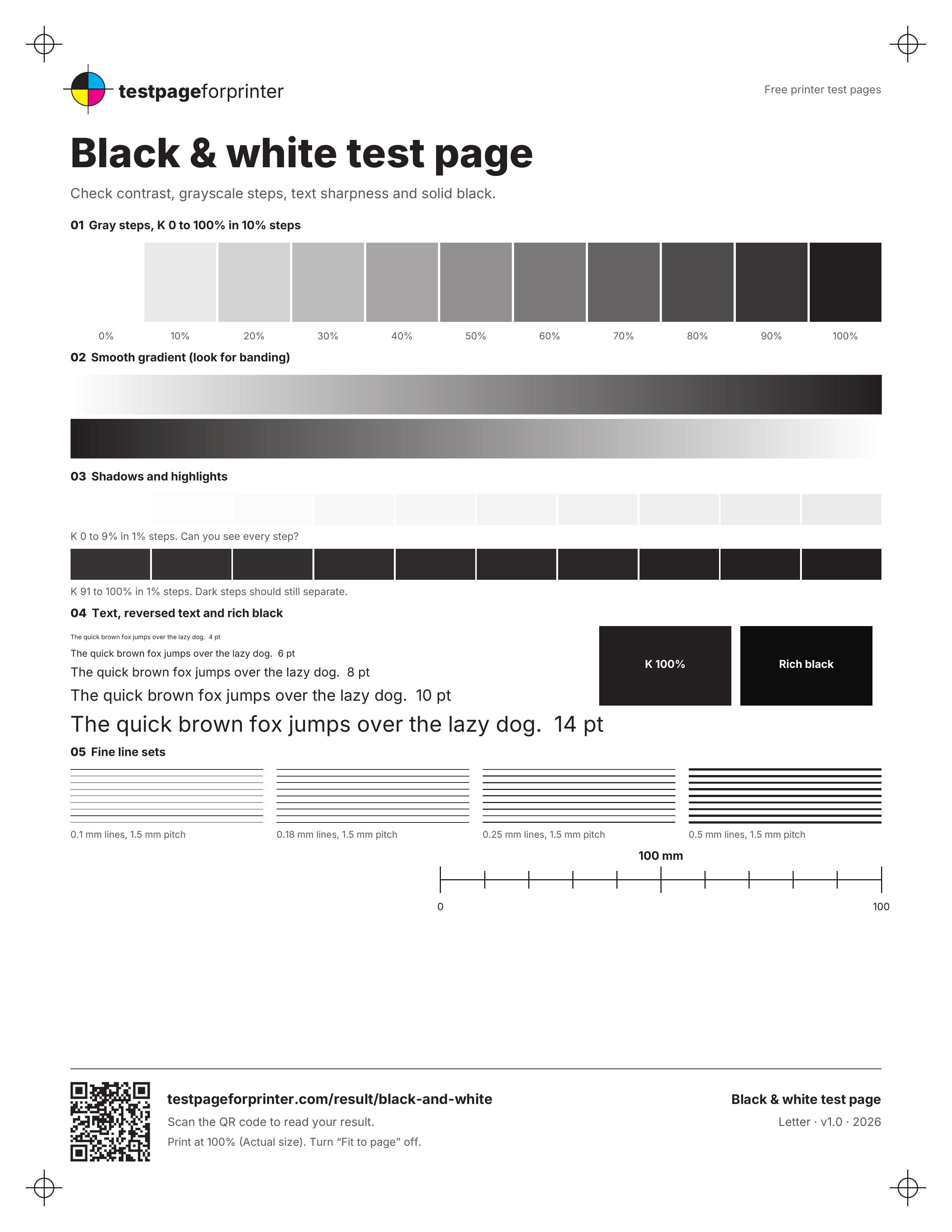
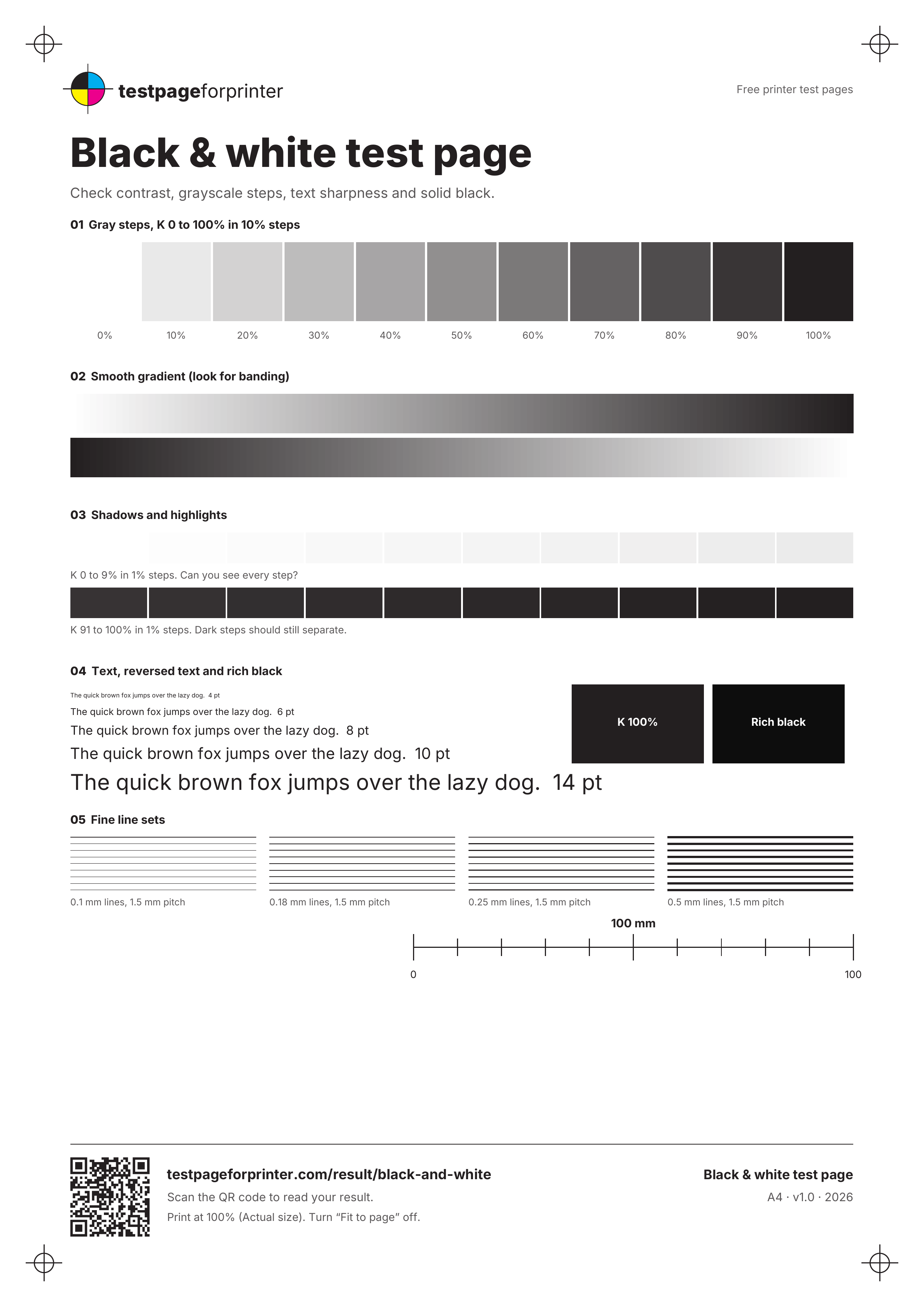
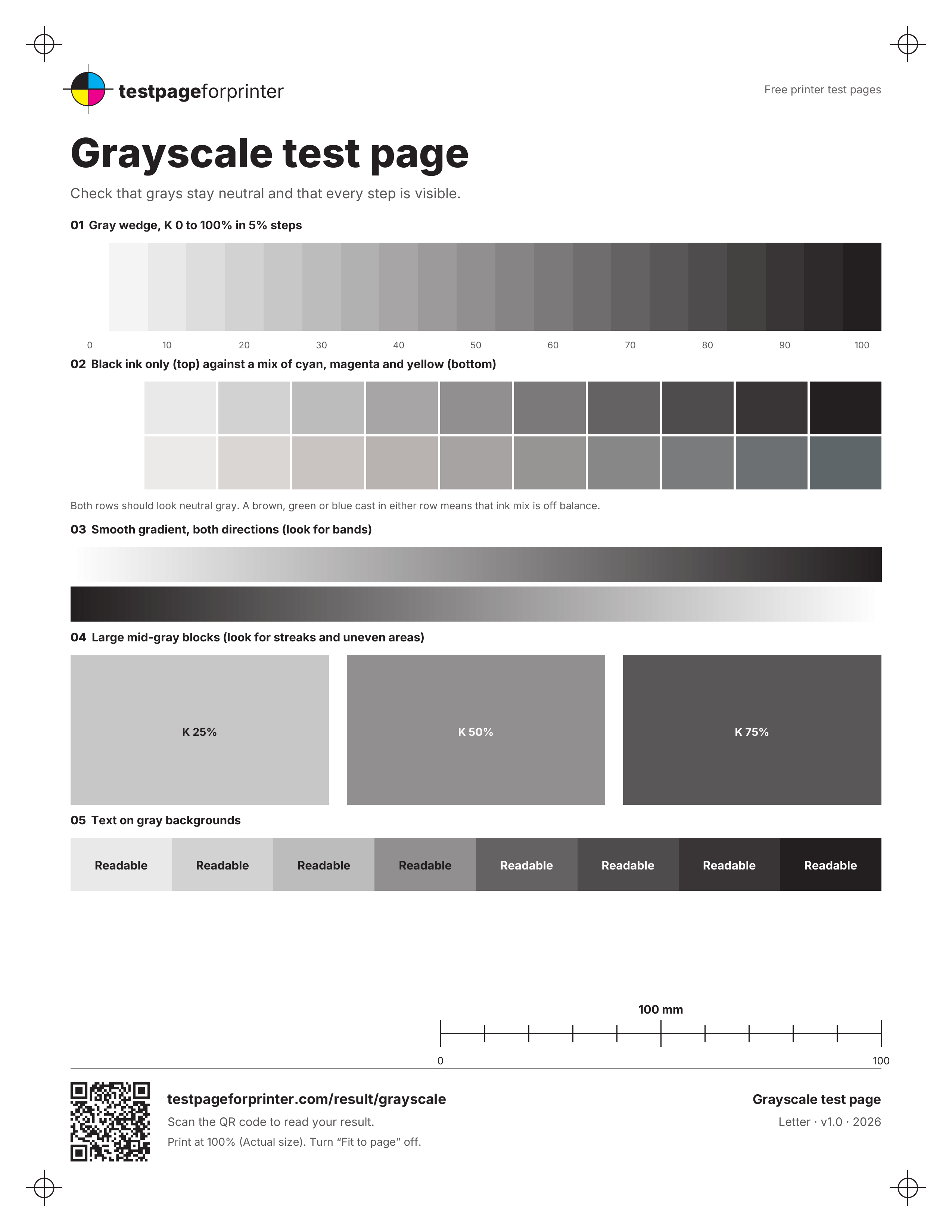
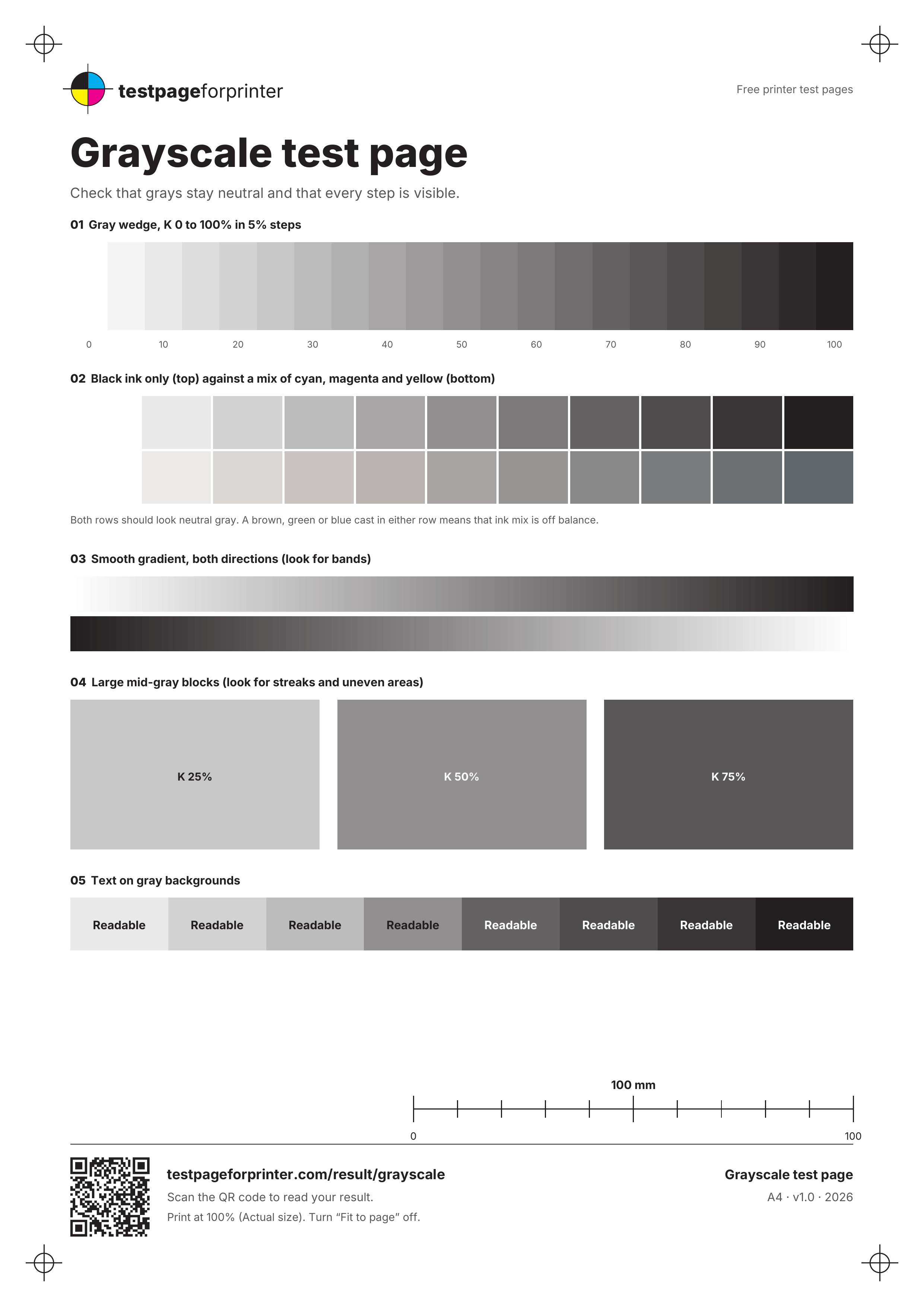
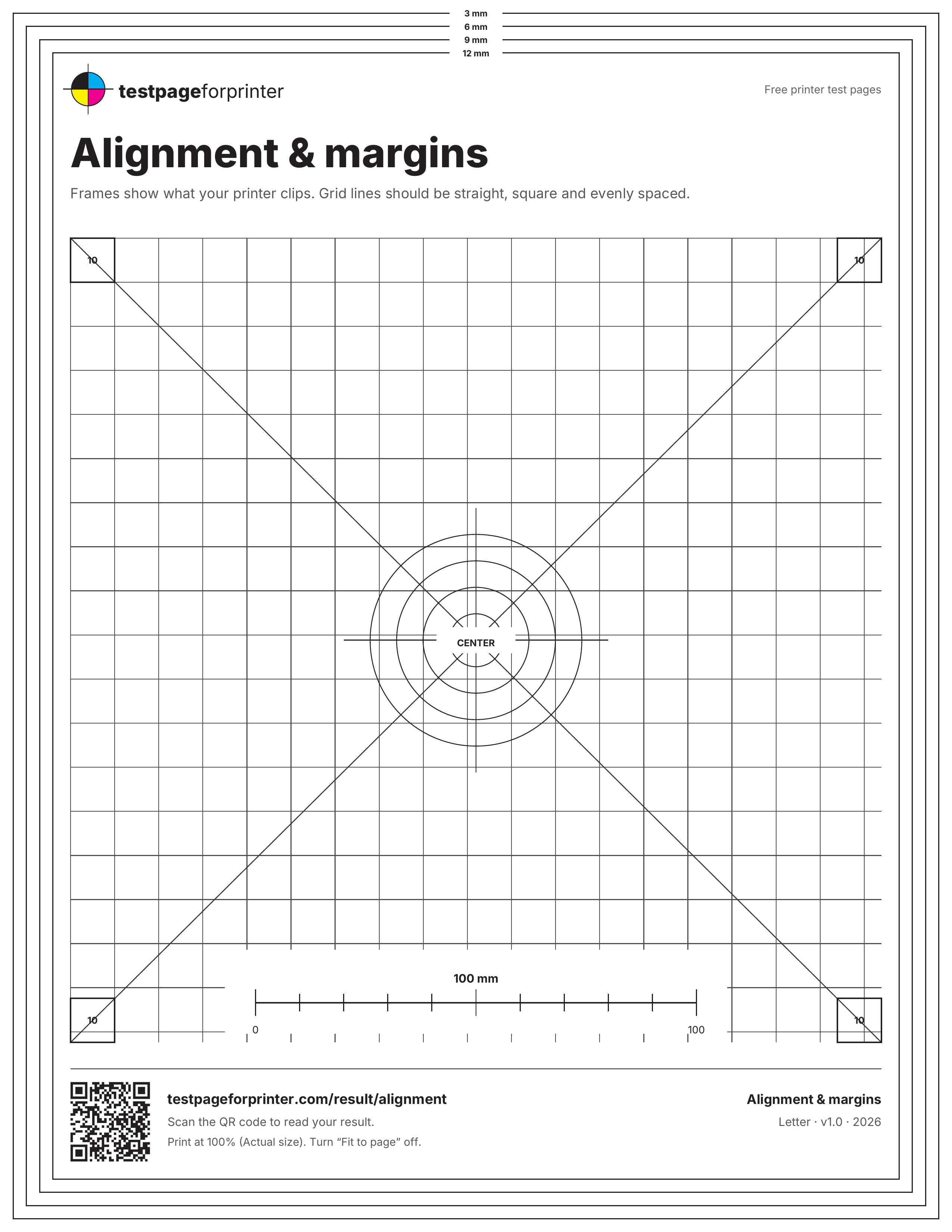
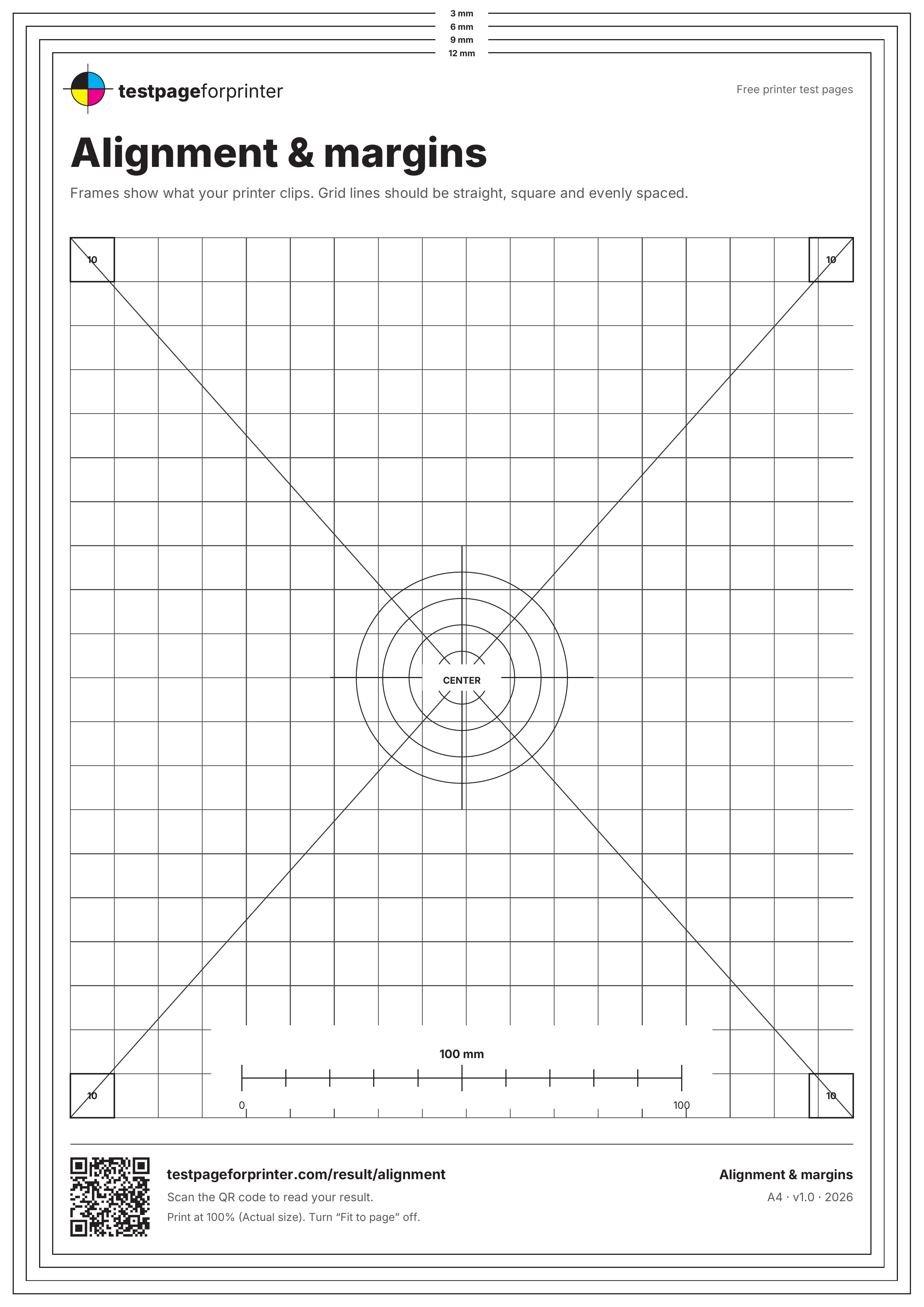
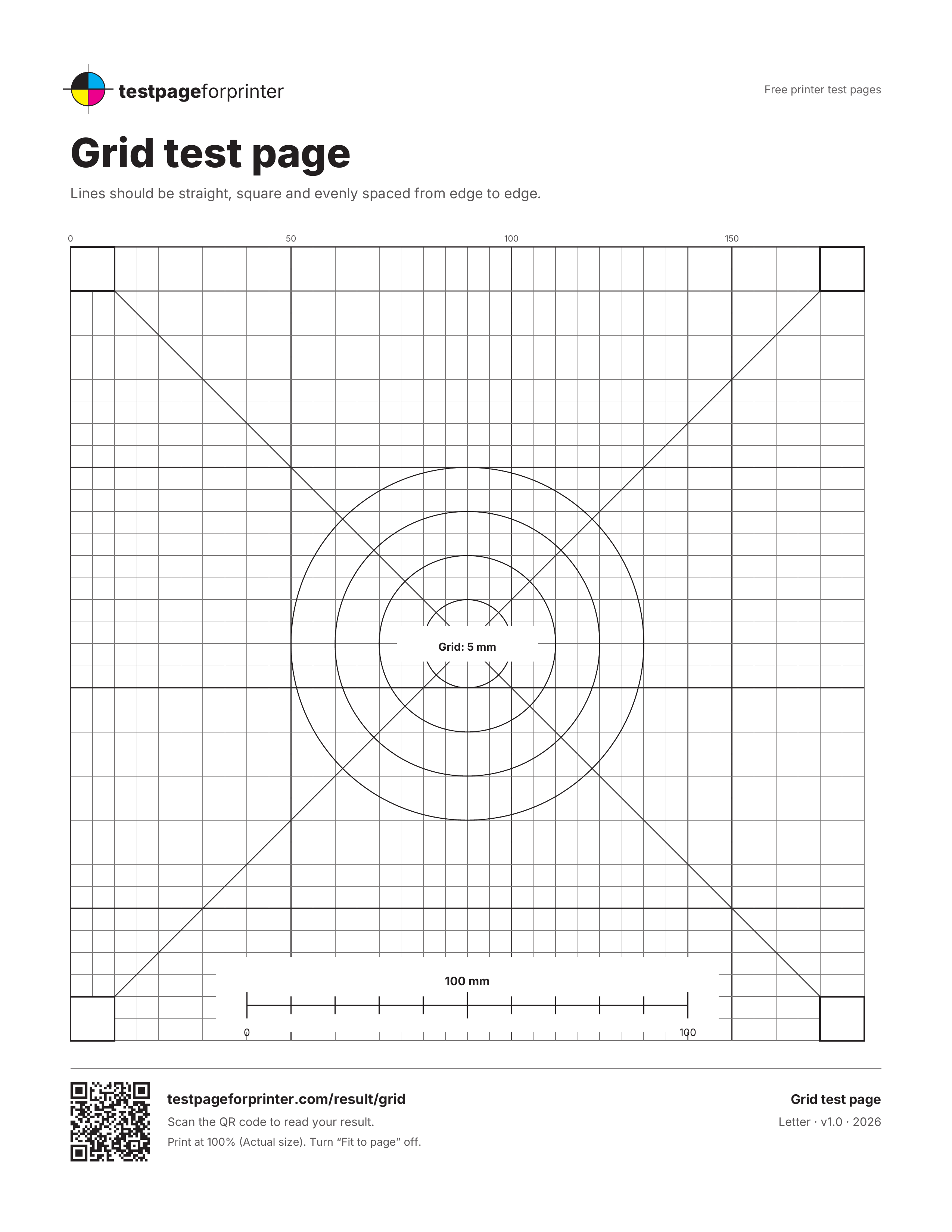
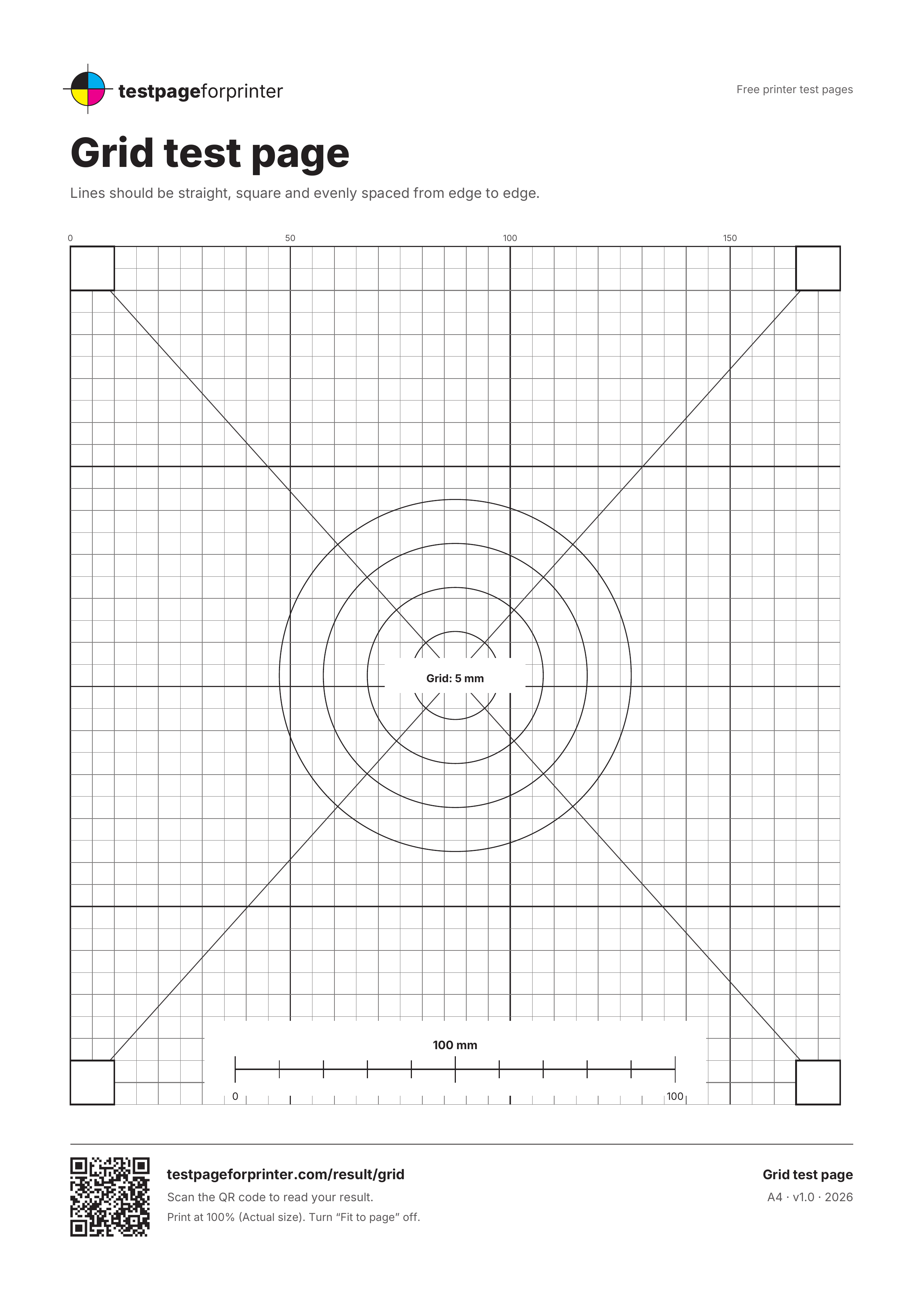
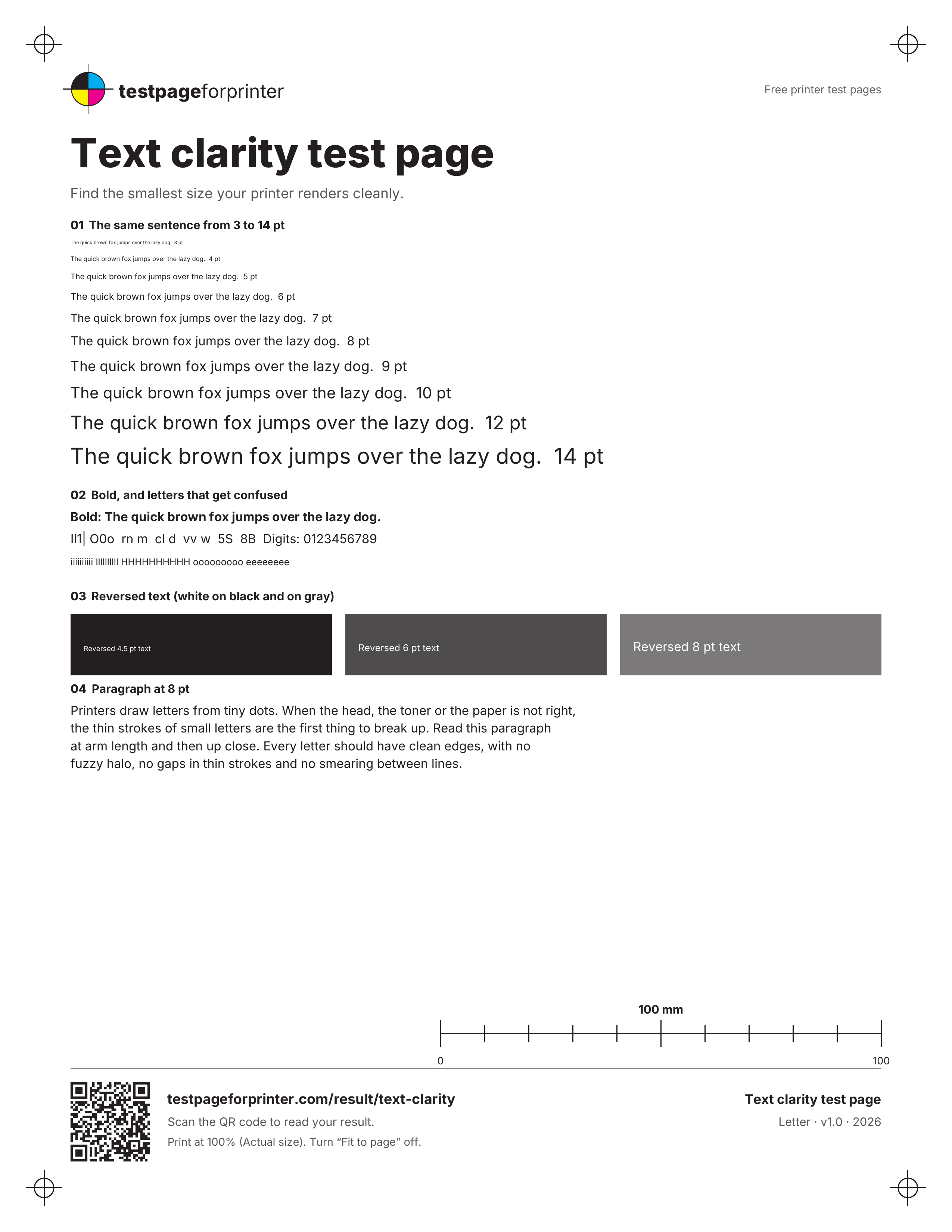
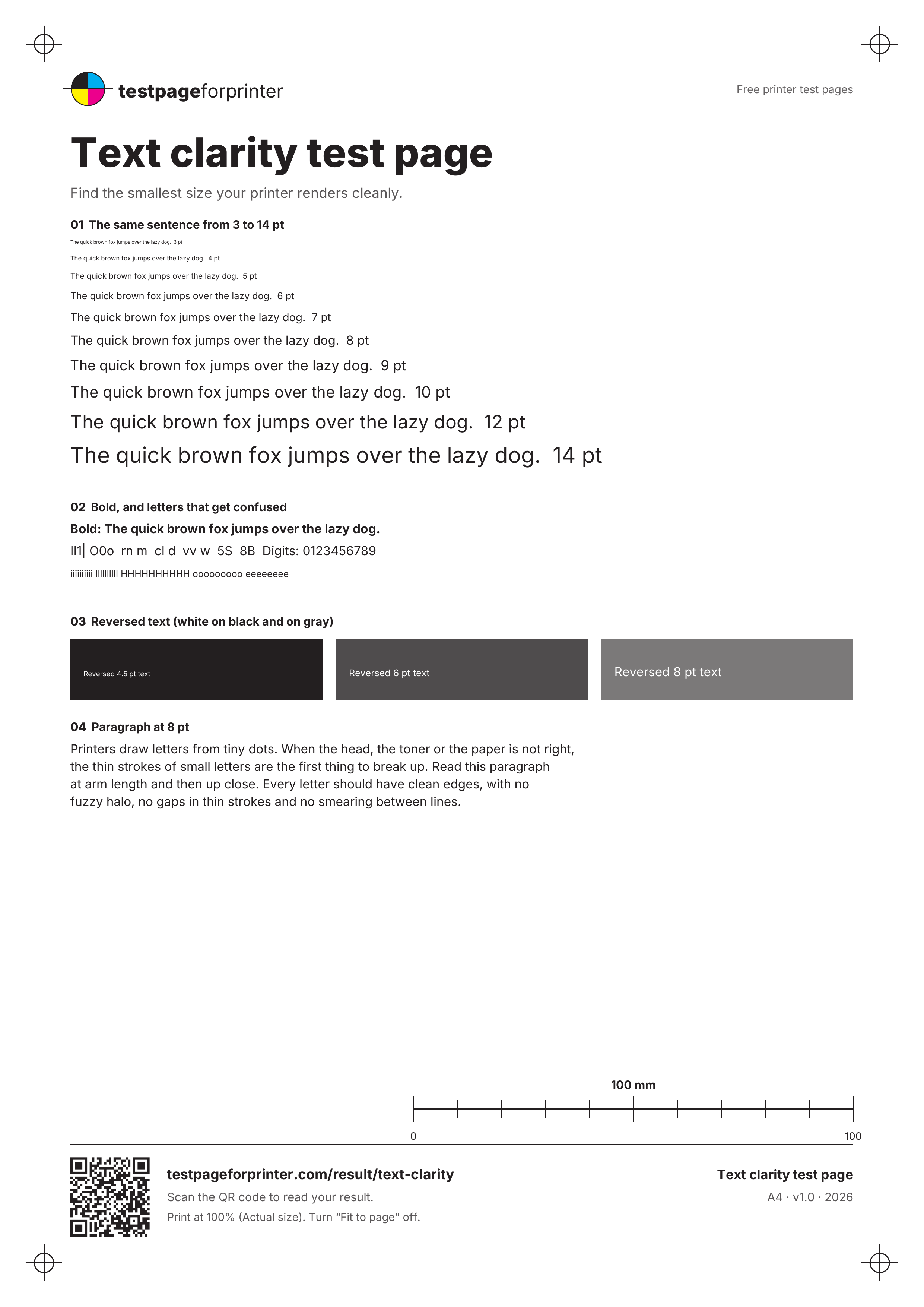
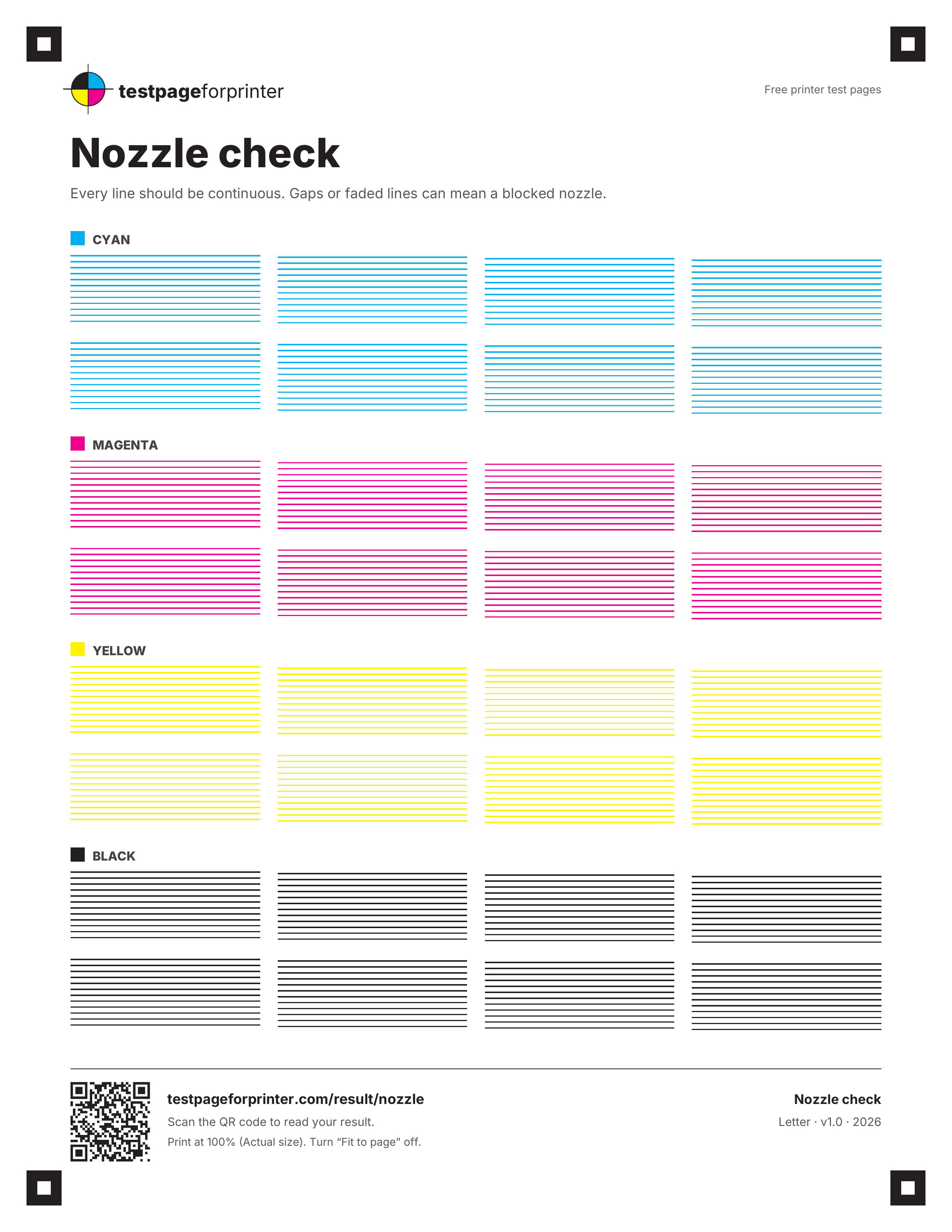
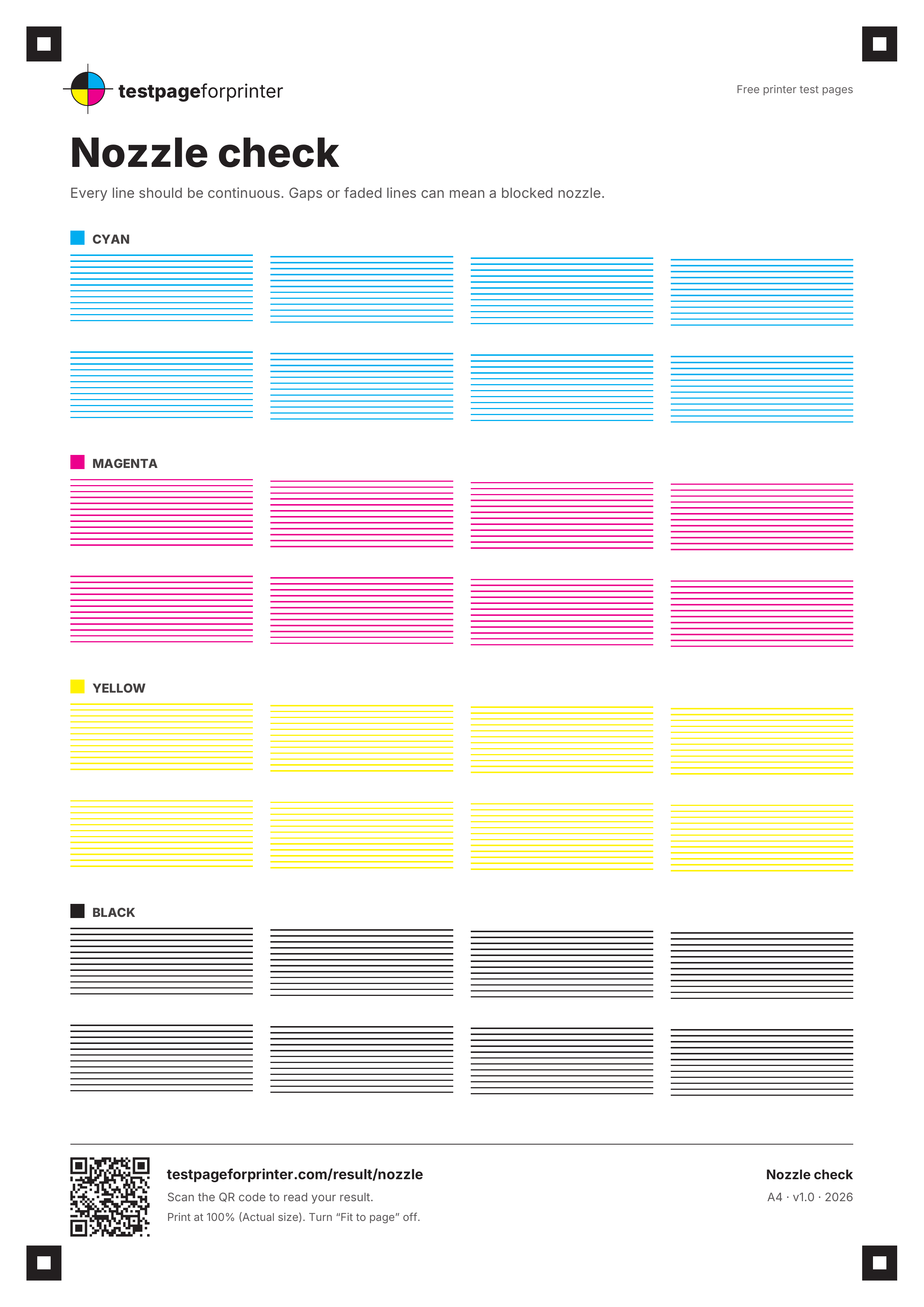
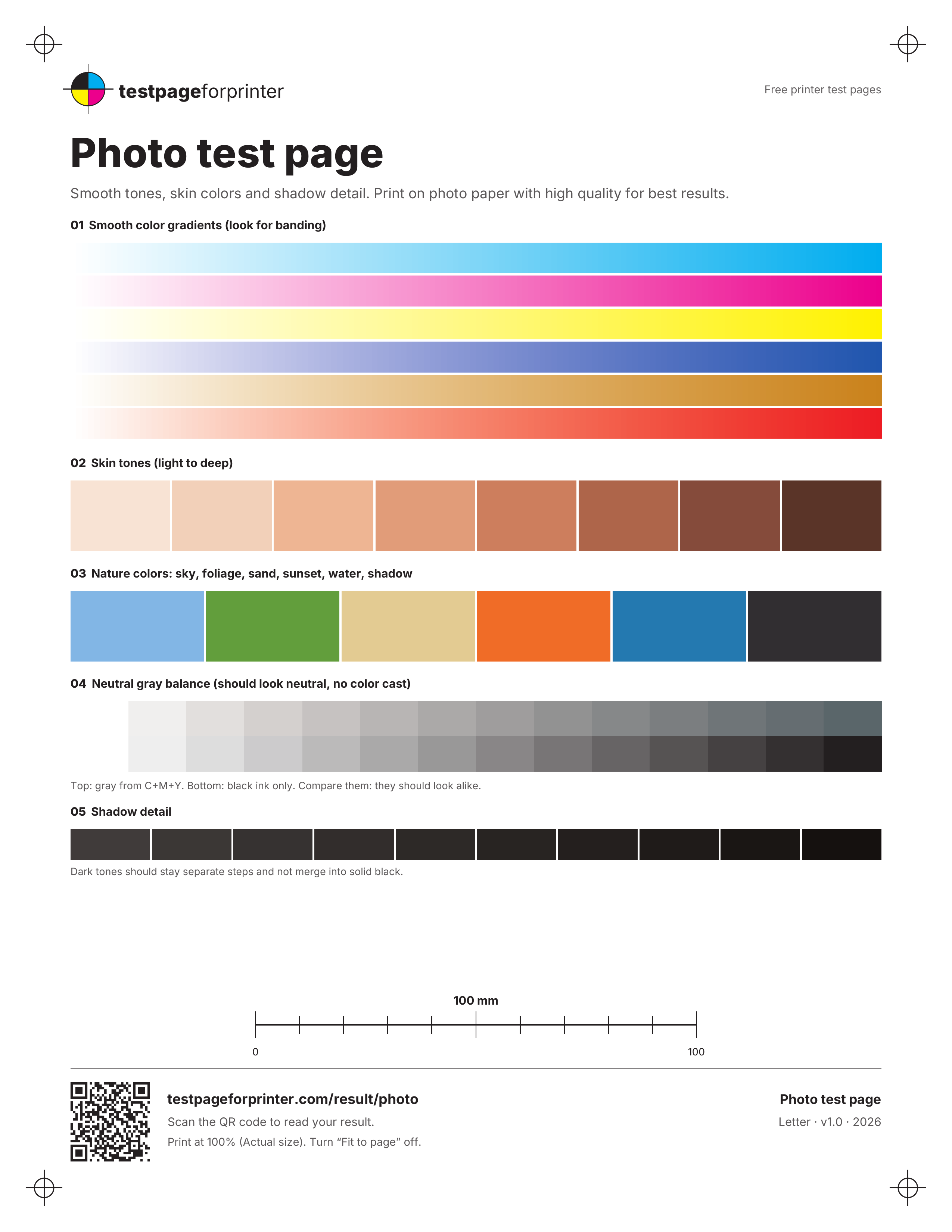
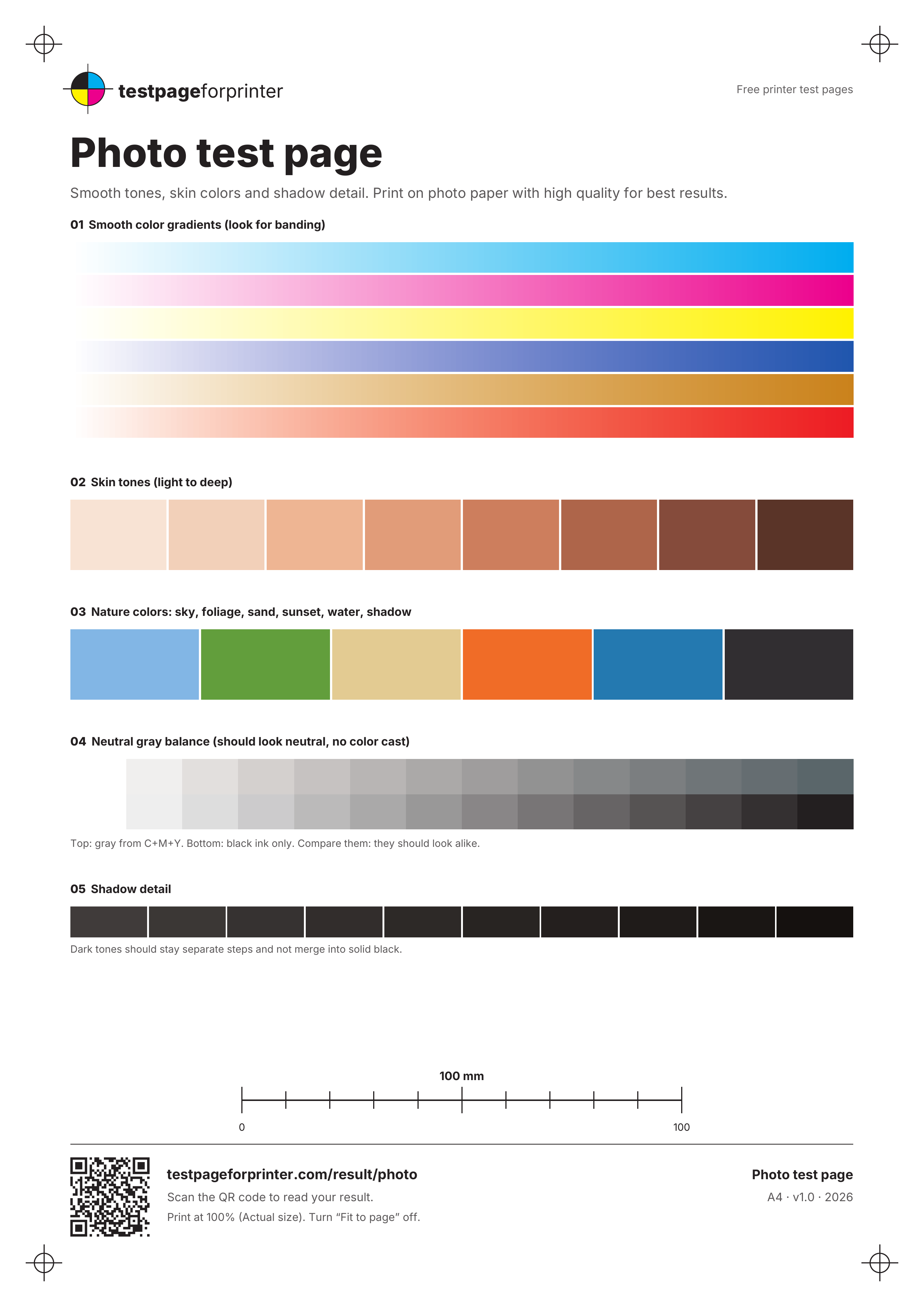
Sizes: Letter is 2550 × 3300 px and A4 is 2481 × 3508 px. Files are about 108 KB to 294 KB.
PNG or PDF: which should you use?
- Use the PNG when your app only takes images (photo printing, label or sticker software, a phone gallery), when you want to open the sheet in an image editor, or when you just want to see the layout.
- Use the PDF for the real CMYK values, for lines that stay sharp at any size, and for the scale check.
- These images are RGB drawings of the sheets. The nozzle and photo images are approximations of the ink colors, so use the PDF when the exact ink matters.
How to print a test image at the right size
- Download the image for your paper: Letter or A4. If you are unsure, see A4 vs Letter.
- Open it in a photo viewer, an image editor or your browser, then choose Print.
- Select your printer and the same paper size as the image.
- Choose Actual size, 100% or Original size. Turn off Fit to page, Fill page and any crop option.
- Print, then compare the result with the sheet on your screen.
The images are tagged 300 dpi, but some apps ignore that and scale a picture to fill the page. If the size matters to you, print the PDF and measure the bar with the scale check. Not sure what a result means? Each sheet has a reading guide.
Which test image should I print?
- Colors look off or washed out: the color test page.
- Grays look tinted: the black and white or grayscale sheet.
- White lines or a missing color: the nozzle check, then how to read it.
- Edges cut off or lines not square: the alignment or grid sheet.
- Small text looks rough: the text clarity sheet.
- Photos look flat: the photo test page.
- Not sure where to start for your type of printer: the inkjet printer test page or the laser printer test page.
Good questions
What is a printer test image?
It is a test sheet saved as a picture (a PNG file) instead of a PDF, so you can print it from a photo app, an image editor or any program that opens images. These are the same sheets as our test page PDFs.
Are the images the same as the PDFs?
They use the same layouts, drawn to RGB at 300 dpi. The PDFs keep real CMYK values and sharp vector lines at any size, which the images do not. For the CMYK, scale, ruler and borderless sheets we offer only the PDF, because a picture would not test the same thing.
Will the printed colors match my screen?
No printer matches a screen exactly. A printer turns RGB colors into CMYK ink, so the print can look duller than the picture. CMYK vs RGB explains why.
Why does my image print smaller or cropped?
Many apps scale a picture to fit or fill the paper, or crop it to avoid the printer margins. Choose Actual size (100%) and turn off Fit to page. An A4 sheet shrunk onto Letter prints at about 94%, and a Letter sheet on A4 at about 97%. See printing too small.
Can I print a test image from my phone?
Yes. Save the image to your photos or files and print it from the app you normally use. Menu names differ between apps and printers, so look for a paper size setting and a scale or fit option, and pick the one that keeps the original size.