



How does your print look?

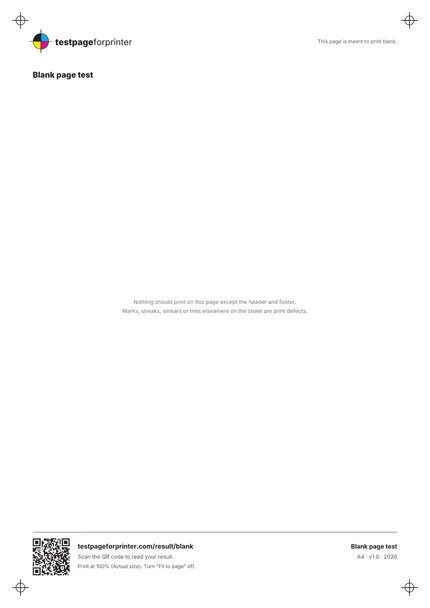
This page is meant to print blank except for a header and footer. Pick what you see in the empty area.

Choose the closest match to your print

Your printer passed this check.

Share this result

Can mean: toner fogging or a worn drum (laser), or stray ink or a color cast (inkjet). Tinted paper can also look like this.

  1. 1.Compare the page with an unprinted sheet from the same ream.
  2. 2.On a laser printer, check the toner cartridge and drum for wear or leaks.
  3. 3.On an inkjet, run one cleaning cycle only if you see color on the page.
Fix blank pages

Share this result

Likely cause: debris or damage in the paper path or on the drum or rollers (laser), or ink on a roller or leaking ink (inkjet).

  1. 1.Turn the printer off and check the paper path for specks or scraps of paper.
  2. 2.Run the printer’s own cleaning routine for the rollers or drum if it has one.
  3. 3.Reprint. If the lines are in the same place every time, a part may need service.
Fix streaks or lines

Share this result

Can mean: loose toner or paper dust (laser), or ink drops from an overfilled or dirty head (inkjet). Marks that repeat at the same spacing often point to a roller or drum.

  1. 1.Print a second copy. Random specks that disappear are usually dust.
  2. 2.If marks repeat at a fixed distance down the page, check the toner cartridge and drum.
  3. 3.Use fresh, clean paper stored flat.
Fix smudges

Share this result

Likely cause: ink or toner on a roller or in the paper path that is rubbing onto the paper.

  1. 1.Turn off the printer and gently wipe accessible rollers with a lint-free dry cloth, following the manual.
  2. 2.Reprint and check again.
Fix smudges

Share this result

Can mean: the printed side is the wrong way up, a cartridge is empty, or the nozzles are fully blocked.

  1. 1.Check paper orientation for your printer and look at the other side of the sheet.
  2. 2.Check ink or toner levels and remove any protective tape from new cartridges.
  3. 3.Print the nozzle check sheet to see whether any color prints.
Fix blank pages

Share this result

Pick the option that matches your print and the likely cause and next steps appear here.

The Blank page test
A4 / Letter
  1. 1.Header with logo and title
  2. 2.Large empty area that should stay clean
  3. 3.Footer with QR code and print settings note
  4. 4.Corner registration marks
  • Hold the page up against a dark surface to see faint tint, and under a bright light to see marks.
  • Compare with a fresh sheet of the same paper to judge any tint fairly.
  • Marks that always appear in the same spot usually come from the machine, not from the file.

Still not right?

Back to the blank page test · All test pages